Adult Sports League Registration Form: A Copyable Template
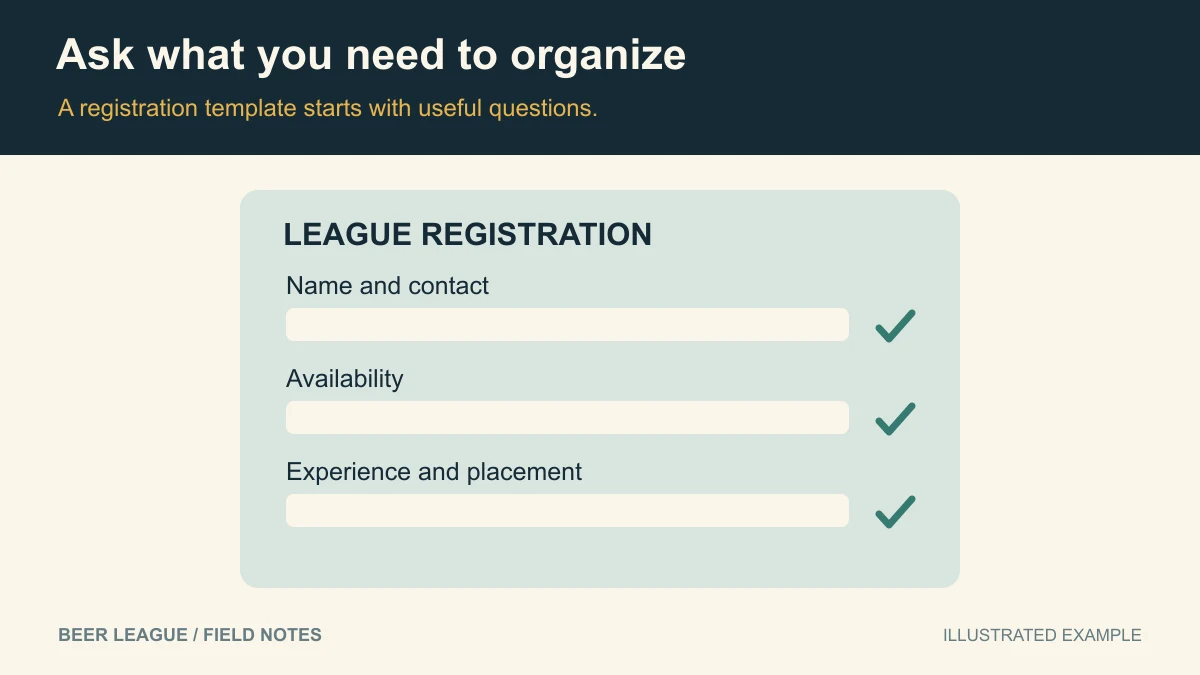
Hero diagram: A form example asks for contact details, availability and experience. View full-size image.
An adult league registration form should collect enough information to place a player, contact them, and explain what happens next. Start with the copyable template below. Add a field only when someone will actually use the answer.
Updated September 18, 2026. This is a general organizer template, not a list of fields available in Beer League.
A registration form you can copy
Replace every bracketed item before sharing. The suggested required fields assume adult participants; adapt them to your league's actual eligibility and operating requirements.
[League name] — [season] player registration
Sport and level: [sport, division, intended experience level]
Season dates: [start–end]
Typical game day and time: [day, time range, timezone]
Location: [venue and address]
League fee: [amount, currency, what it includes]
Registration closes: [date]
Questions: [organizer contact]Player details
Full name (required): ______
Email for league updates (required): ______
Preferred name (optional): ______
Game-day phone number (optional unless needed for your communication process): ______Placement
Signing up as (required): player on an existing team / free agent
Team name, if applicable: ______
Division, if applicable: ______
Experience: new to the sport / some recreational experience / experienced recreational player
Position or role, if relevant: ______
Dates you already know you cannot attend: ______
Teammate request (optional; not guaranteed): ______
Interested in substitute opportunities? yes / noBefore submitting
[ ] I meet the published adult eligibility requirements: [link].
[ ] I have read the schedule expectations, conduct policy, and cancellation/refund policy: [links].
Required participation documents: [separate process and link, if applicable].
Payment instructions: [secure payment link or instructions].
Privacy information: [who sees this form, why it is collected, and whom to contact].
The acknowledgments above communicate expectations; this template is not a liability waiver. Use the participation documents required for your particular league and venue through an appropriate separate process. Do not ask players to paste payment-card information into a form.
What to add only when you need it
- Emergency contact: collect through a restricted process if your league needs it; explain who can access it.
- Jersey size: useful if you are ordering uniforms, otherwise unnecessary.
- Position: useful for a goalie pool or draft, less useful for a casual rotating lineup.
- Availability: ask about dates and the published time window. Do not imply every preference can be accommodated.
- Eligibility details: collect only what your published rules require. Avoid gathering identity documents or sensitive information casually.
Keep private answers out of shared team rosters. A captain may need a player's name and availability without needing access to emergency-contact or payment records.
Make skill ratings understandable
“Rate yourself from one to ten” means something different to every player. Use short descriptions instead: new players learning the rules; players comfortable in casual games; and players with sustained organized experience. Where positions matter, ask that separately from overall experience.
For a draft league, combine these answers with a short evaluation session if practical. Do not promise perfectly even teams based on self-ratings. Our team-balancing guide covers placement decisions in more detail.
Separate submission from a confirmed place
Choose which steps actually confirm a roster spot: acceptance, payment, required documentation, or an organizer assignment. Say whether submitting the form reserves anything. If places are limited, explain the waitlist process before people pay.
Track those states privately instead of treating every form submission as a fully registered player. A simple organizer record might include submission received, placement pending, payment pending, documents pending, and confirmed. These are suggested administrative labels, not advertised app statuses.
Copy this confirmation message
Thanks, [preferred name] — we received your registration for [league and season].
Your current status: [confirmed / awaiting placement / awaiting payment / waitlisted].
Your next step: [specific action and deadline, or none].
We will send [team assignment / schedule / next update] by [date].
Questions or corrections: [contact].
Registration submission [does / does not] reserve a place. See [policy link] for cancellation and refund terms.
Test the form before inviting the league
- Submit once as a free agent and once as a player on a team.
- Check the phone layout, keyboard, required-field errors, and confirmation message.
- Verify that payment and policy links go to the intended destinations.
- Check who can see responses and who receives the confirmation.
- Make sure an organizer can correct a typo without creating a duplicate player.
For a first season, combine this with the league launch checklist and a clear fee collection process.
Beer League can help organize the season through rosters, schedules, RSVPs, and communication. This template does not imply custom-form, waiver-signing, or universal dues-collection support. Create an account and check current features and limits against your registration requirements.